When we talk about WebAssembly (Wasm), we often describe it as “near-native speed” and “faster than JavaScript.” But what does that actually look like in practice?
Before we get into where Wasm excels, let’s level-set: JavaScript is still a developer’s best friend when it comes to UI. It was built to manipulate the DOM (the web’s Document Object Model) and handle CSS updates, and it does that job successfully. But we’re watching the demands of the browser change in real time. JavaScript was created in 1995 to add simple interactivity to text pages. Today, we’re asking browsers to process 4K video and run complex math that Brendan Eich (JavaScript’s creator) never envisioned.
When you move past UI logic and into heavy data processing, JavaScript needs a partner. That’s where WebAssembly comes in. But how much faster is Wasm than JavaScript in a real-world scenario? Let’s find out.
For this project, we’re building a browser-based image processor designed to handle two distinct types of operations:
A “light” task: Converting a color image to grayscale.
A “heavy” task: Applying a sharpen filter using a computationally expensive convolution matrix.
Both operations rely heavily on mathematical conversions to change the images visually. By testing these two extremes, we can compare performance on a light task versus a heavy task.
Before getting started, make sure you have the following installed:
Node (used with npx to run the server): download here
Wasm-pack (the WebAssembly build tool): run cargo install wasm-pack in your terminal
An IDE with the Rust Analyzer extension (e.g., VS Code)
Building the Image Processor With Wasm and JavaScript
This project uses Rust, because it has the most mature WebAssembly ecosystem among compiled languages. Tools like wasm-pack and wasm-bindgen generate the JavaScript glue code and handle memory translation between Rust and JavaScript, allowing you to focus on application logic.
From your main project folder, start the build process.
Create the project:
Open the working folder:
After running these commands, you’ll see the two key files:
Cargo.toml: Defines dependencies for the Rust project.
src/lib.rs: Contains the application logic. WebAssembly projects use lib.rs because they compile to a library rather than a standalone executable.
Cargo.toml is the Rust project manifest (similar to package.json). Replace the default contents with the following:
src/lib.rs contains the core image-processing logic.
The Light Task iterates through pixel data, averages the red, green and blue values, and replaces them with a single grayscale value.
The Heavy Task uses a convolution algorithm to calculate new pixel values based on neighboring pixels and applies a sharpen matrix using nested loops.
The line use wasm_bindgen::prelude::*; imports macros that allow Rust code to interface with JavaScript.
Compiling Rust Code into WebAssembly
Run the following command to compile the Rust code into WebAssembly and generate the /pkg directory:
Setting Up the HTML Frontend
index.html acts as the frontend dashboard for the performance comparison.
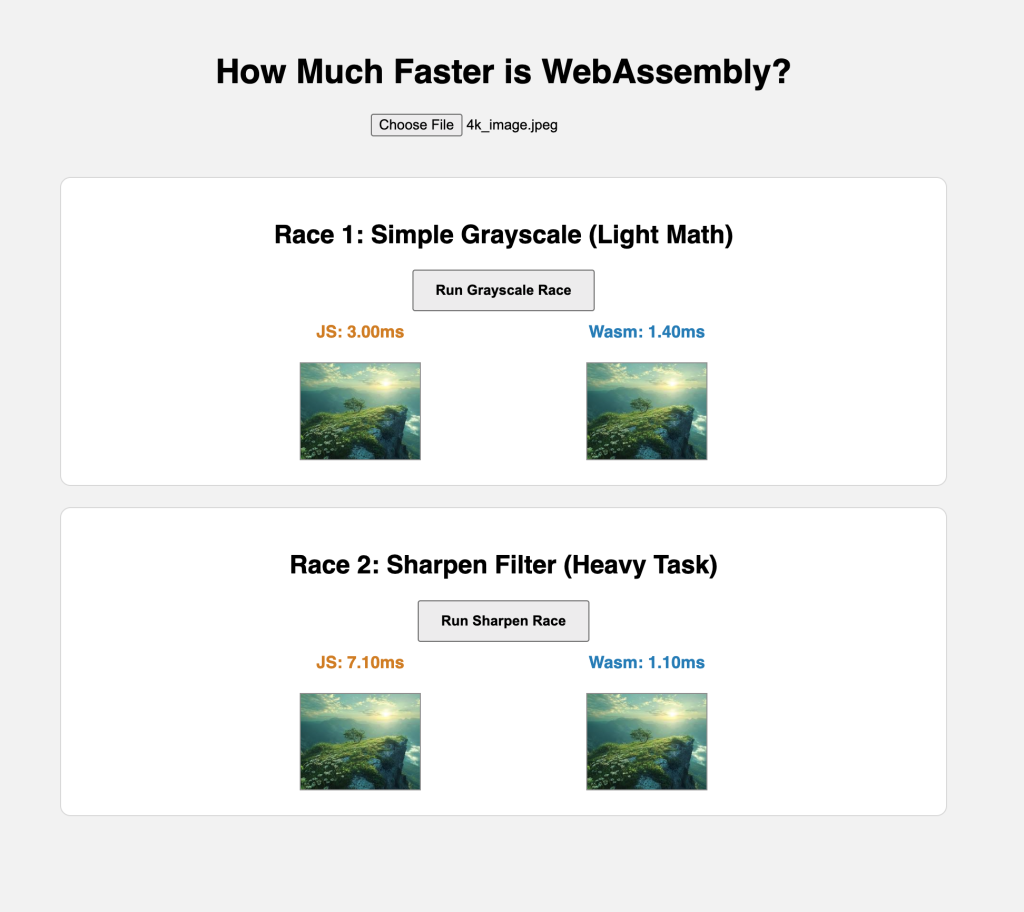
Users can upload an image and view results across four canvases. The page runs identical operations using WebAssembly and native JavaScript, for side-by-side timing comparisons.
The performance.now() API provides high-precision timing in milliseconds. Note: Place index.html in the same directory as Cargo.toml.
How to Run the Performance Test
In the project directory, run npx serve and open http://localhost:3000 in your browser.
More complex operations show larger performance gaps between Wasm and JavaScript.
For meaningful results, use a 4K image (approximately 3840 × 2160 pixels).
Upload the image using the “Choose File” button and run the tests.
Performance Comparison Results
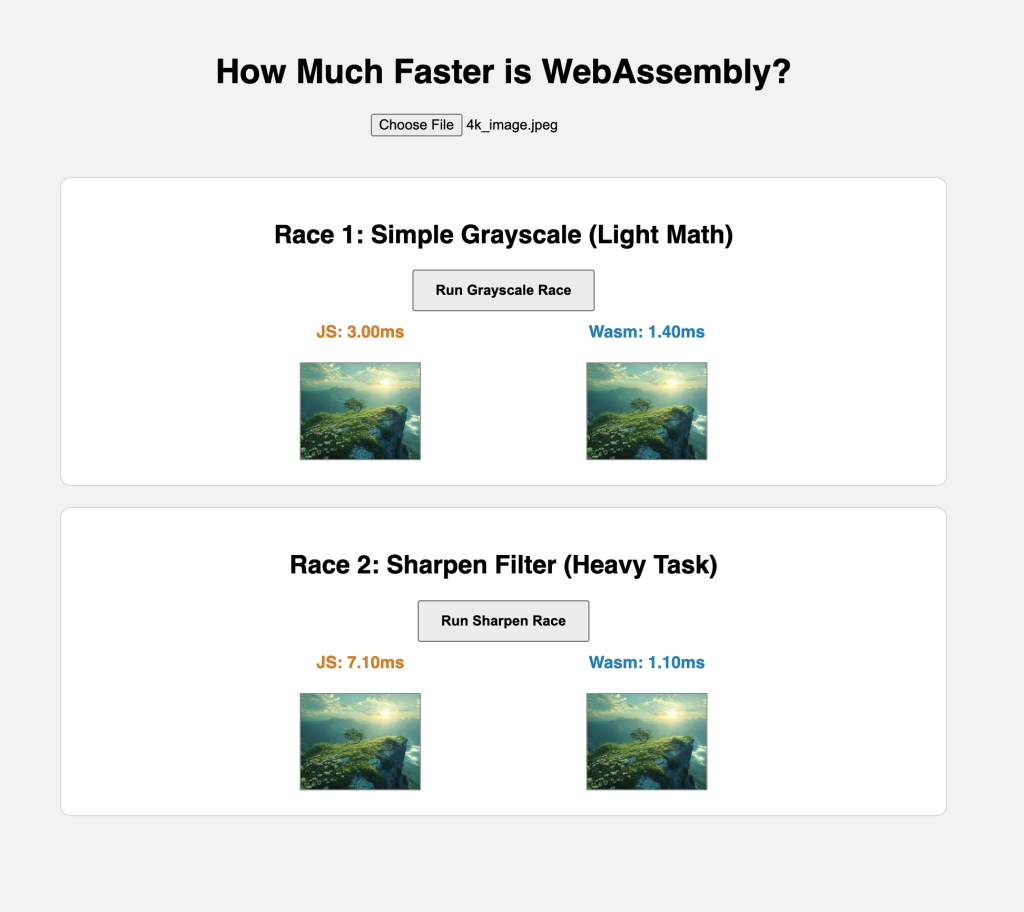
Across multiple runs, Wasm consistently outperformed JavaScript — about twice as fast for the light task and more than six times faster for the heavy task.
This test covers a single image on one machine. At scale, or with more complex workloads like video processing, the performance gains become even more pronounced.
YOUTUBE.COM/THENEWSTACK
Tech moves fast, don’t miss an episode. Subscribe to our YouTube
channel to stream all our podcasts, interviews, demos, and more.