
Top 5 Features of Microsoft Windows 11 Pro
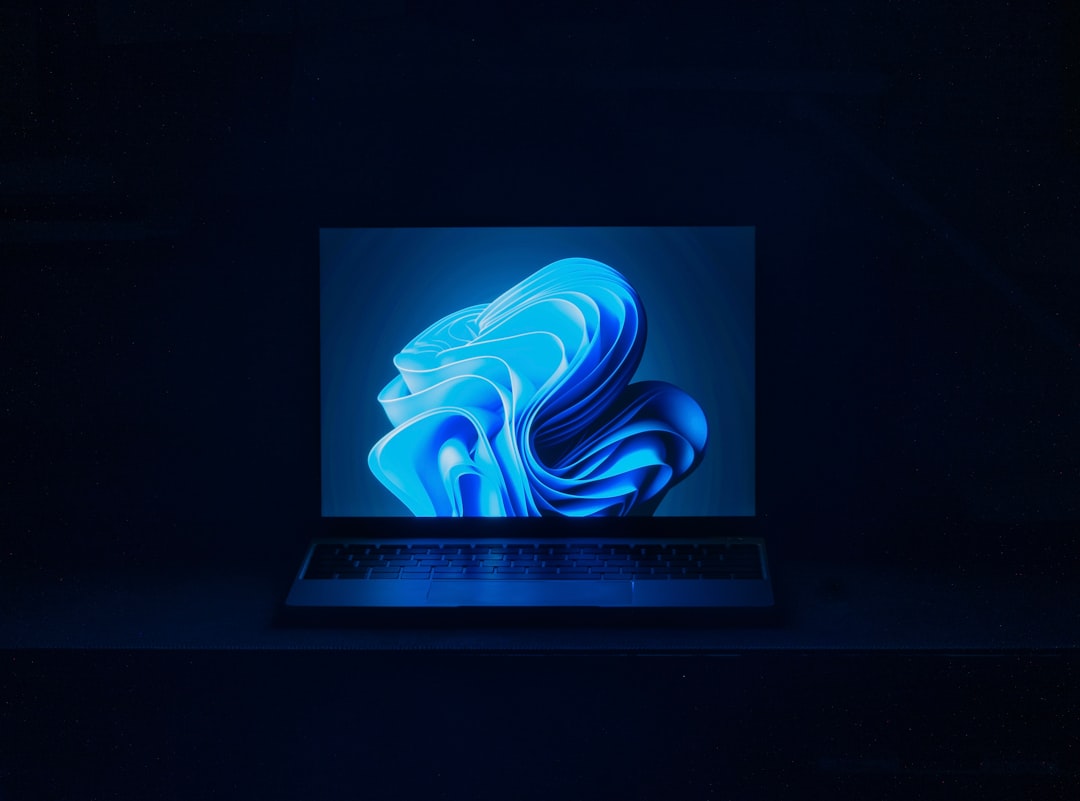
Windows 11 introduces a fresh and modern user interface that aims to create a more intuitive experience for users. The overall aesthetic is cleaner, with rounded corners and a centered taskbar that gives it a more streamlined look. This design shift not only enhances visual appeal but also makes navigation simpler. Icons are more vibrant, and the new Start Menu is devoid of live tiles, opting instead for a grid of pinned apps and recommended files, which can be more straightforward for users to access their most-used applications.
The new interface also emphasizes ease of use. For instance, the redesigned settings menu is more organized, allowing users to find what they need without sifting through endless options. The incorporation of new themes and wallpapers adds a personal touch, making it easier for users to customize their experience. Overall, the enhanced user interface in Windows 11 is not just about looks; it’s about creating a more user-friendly environment that caters to both new and seasoned users alike.
Virtual Desktops and Snap Layouts
One of the standout features of Windows 11 is the introduction of virtual desktops and Snap Layouts, which significantly enhance multitasking capabilities. Virtual desktops allow users to create separate workspaces for different tasks or projects. For example, you can have one desktop dedicated to work-related applications and another for personal use, helping to keep your digital life organized. Switching between these desktops is seamless, making it easy to focus on what you need at any given moment.
Snap Layouts take multitasking a step further by allowing users to easily arrange open windows on their screens. When you hover over the maximize button on any window, a grid appears, showing various layout options. This feature is particularly useful for those who work with multiple applications simultaneously, as it allows for efficient use of screen real estate. Whether you’re comparing documents side by side or keeping an eye on a video call while working on a report, Snap Layouts make it simple to manage your workspace effectively.
Improved Gaming Experience
For gamers, Windows 11 brings several enhancements that elevate the gaming experience. One of the most notable features is DirectStorage, which allows games to load faster by enabling them to access the graphics card directly. This means less waiting time and more immersive gameplay, as games can render high-quality graphics without lag. Additionally, Windows 11 supports Auto HDR, which enhances the visual quality of games by providing better contrast and color depth, making your gaming sessions more visually stunning.
Moreover, the integration of the Xbox app into Windows 11 makes it easier for gamers to access their favorite titles. With features like Xbox Game Pass, players can discover new games and enjoy cloud gaming directly from their PCs. This seamless integration not only simplifies the gaming process but also fosters a community where players can connect and share experiences. Overall, Windows 11 is designed with gamers in mind, ensuring that they have the tools and features necessary for an optimal gaming experience.
Integration with Microsoft Teams
In today’s remote work environment, effective communication tools are essential, and Windows 11 recognizes this need with its built-in integration of Microsoft Teams. This feature allows users to connect with colleagues, friends, and family directly from the taskbar, making it easier than ever to initiate chats or video calls. The convenience of having Teams readily accessible means that you can quickly switch from work tasks to social interactions without needing to open separate applications.
The integration goes beyond just accessibility; it also enhances collaboration. Users can share screens during meetings or collaborate on documents in real-time without leaving the Teams interface. This streamlined approach fosters productivity and ensures that communication remains fluid throughout the workday. Whether you’re in a formal meeting or catching up with friends, the integration of Microsoft Teams in Windows 11 makes staying connected simple and efficient.
Enhanced Security Features
“`html
| Feature | Description |
|---|---|
| Operating System | Microsoft Windows 11 Pro |
| System Requirements | 1 GHz or faster processor, 4GB RAM, 64GB storage, DirectX 12 compatible graphics, 9″ display with 1366×768 resolution |
| Security | Built-in security features including Windows Hello, BitLocker, and Windows Defender Antivirus |
| Productivity | Includes Microsoft Office apps, Microsoft Edge browser, and support for virtual desktops |
| Updates | Regular updates and support from Microsoft |
“`
Security is a top priority for any operating system, and Windows 11 comes equipped with several enhanced security features designed to protect users’ data and privacy. One significant improvement is the requirement for TPM 2.0 (Trusted Platform Module) for installation, which provides hardware-based security functions that help safeguard sensitive information. This requirement ensures that devices running Windows 11 have a baseline level of security that helps protect against firmware attacks.
Additionally, Windows 11 includes features like Windows Hello for secure sign-ins using facial recognition or fingerprint scanning, making it easier for users to access their devices without compromising security. The operating system also incorporates advanced threat protection through Microsoft Defender, which continuously monitors for potential threats and provides real-time protection against malware and other cyber threats. With these robust security measures in place, users can feel more confident that their data is safe while using Windows 11.
Compatibility with Android Apps
One of the most exciting features of Windows 11 is its compatibility with Android apps through the Microsoft Store via the Amazon Appstore. This integration opens up a world of possibilities for users who want to access their favorite mobile applications on a larger screen. Whether it’s social media apps, productivity tools, or games, being able to run Android apps on your PC adds versatility to your computing experience.
The process of downloading and using Android apps is straightforward. Users can browse the Amazon Appstore within the Microsoft Store and install apps just like they would on a mobile device. This feature not only enhances productivity by allowing users to utilize mobile applications alongside traditional desktop software but also bridges the gap between mobile and desktop experiences. As a result, Windows 11 caters to a broader range of user needs and preferences.
Multi-Window Support for Touchscreen Devices
With the rise of touchscreen devices, Windows 11 has made significant strides in enhancing multi-window support specifically for these platforms. The operating system allows users to easily snap multiple windows side by side or stack them vertically with just a few taps or swipes. This feature is particularly beneficial for those who use tablets or 2-in-1 devices, as it enables them to take full advantage of touch gestures while maintaining productivity.
The touch-friendly interface also includes larger touch targets and improved gesture controls, making navigation smoother and more intuitive. Users can swipe between apps or pinch to zoom with ease, creating a more fluid experience when working on touchscreen devices. This focus on multi-window support ensures that users can efficiently manage their tasks without feeling constrained by screen size or input methods.
Enhanced Productivity Tools
Windows 11 places a strong emphasis on productivity with its suite of enhanced tools designed to help users work more efficiently. One notable addition is the Focus Sessions feature, which allows users to set aside dedicated time for work while minimizing distractions from notifications and other interruptions. This feature integrates with Microsoft To Do and Spotify, enabling users to create a personalized work environment that suits their needs.
Another productivity boost comes from the improved virtual desktops feature mentioned earlier. Users can customize each desktop with different backgrounds and app layouts tailored to specific tasks or projects. This level of organization helps streamline workflows and keeps everything in its place, reducing clutter and enhancing focus. With these tools at their disposal, users can tackle their tasks with greater efficiency and clarity.
Customizable Start Menu and Taskbar
Customization has always been a key aspect of user experience in operating systems, and Windows 11 takes this to heart with its customizable Start Menu and taskbar. Users can pin their favorite apps for quick access while also rearranging them according to personal preference. The ability to resize the Start Menu allows individuals to create an interface that feels comfortable and tailored to their workflow.
Additionally, the taskbar can be adjusted in terms of icon placement and visibility of certain features like widgets or notifications. This flexibility means that users can create an environment that reflects their unique style while also enhancing usability. Whether you prefer a minimalist approach or a more populated taskbar filled with shortcuts, Windows 11 accommodates various preferences seamlessly.
Improved Accessibility Features
Windows 11 places a strong emphasis on accessibility, ensuring that all users can navigate the operating system effectively regardless of their individual needs. New features include improved voice typing capabilities that allow users to dictate text more accurately than ever before. This enhancement is particularly beneficial for those who may have difficulty using traditional input methods.
Furthermore, Windows 11 introduces new visual aids such as high-contrast themes and improved screen reader support through Narrator. These tools help individuals with visual impairments navigate their devices more easily while ensuring that content remains accessible across various applications. By prioritizing accessibility features, Windows 11 aims to create an inclusive environment where everyone can thrive.
Enhanced Performance and Battery Life
Finally, one of the most significant improvements in Windows 11 is its focus on performance optimization and battery life enhancement. The operating system has been designed to run more efficiently on both new hardware and older devices alike. With features like memory management improvements and better resource allocation, users can expect faster boot times and smoother operation even when running multiple applications simultaneously.
For laptop users, battery life has been a critical concern, and Windows 11 addresses this by optimizing power consumption based on usage patterns. The operating system intelligently manages background processes and reduces power usage when devices are idle or running low on battery. As a result, users can enjoy longer usage times without constantly worrying about finding an outlet.
In conclusion, Windows 11 offers a comprehensive set of features designed to enhance user experience across various aspects of computing—from gaming to productivity tools and accessibility options. With its modern interface and robust functionality, it caters to both casual users and professionals alike, making it a compelling choice for anyone looking to upgrade their operating system.
FAQs
What are the system requirements for Microsoft Windows 11 Pro?
The system requirements for Windows 11 Pro include a 64-bit processor with at least 1 GHz clock speed, 4 GB of RAM, 64 GB of storage, DirectX 12 compatible graphics with a WDDM 2.0 driver, and a display with at least 720p resolution.
What are the new features in Microsoft Windows 11 Pro?
Some of the new features in Windows 11 Pro include a redesigned Start menu, improved window management with Snap Layouts and Snap Groups, virtual desktops, and support for running Android apps through the Amazon Appstore.
Can I upgrade to Windows 11 Pro for free?
Microsoft has announced that eligible Windows 10 devices will be able to upgrade to Windows 11 for free. However, not all devices may meet the system requirements for Windows 11 Pro.
Is Windows 11 Pro a subscription-based operating system?
No, Windows 11 Pro is not a subscription-based operating system. It is a one-time purchase and users will receive updates and support for the life of the device.
When will Microsoft Windows 11 Pro be released?
Microsoft has announced that Windows 11 Pro will be released to the general public on October 5, 2021.





